


Hello guys!! In my previous posts, I mentioned getting a token for vRA from the postman. Today I will show you how you can get token from vRO.
There are a few ways to get token. And I am going to show one way.
Using the Library that vRO provides for us.
Go to vRealize Orchestrator (mine is 8.7) workflows. Open the Library folder.
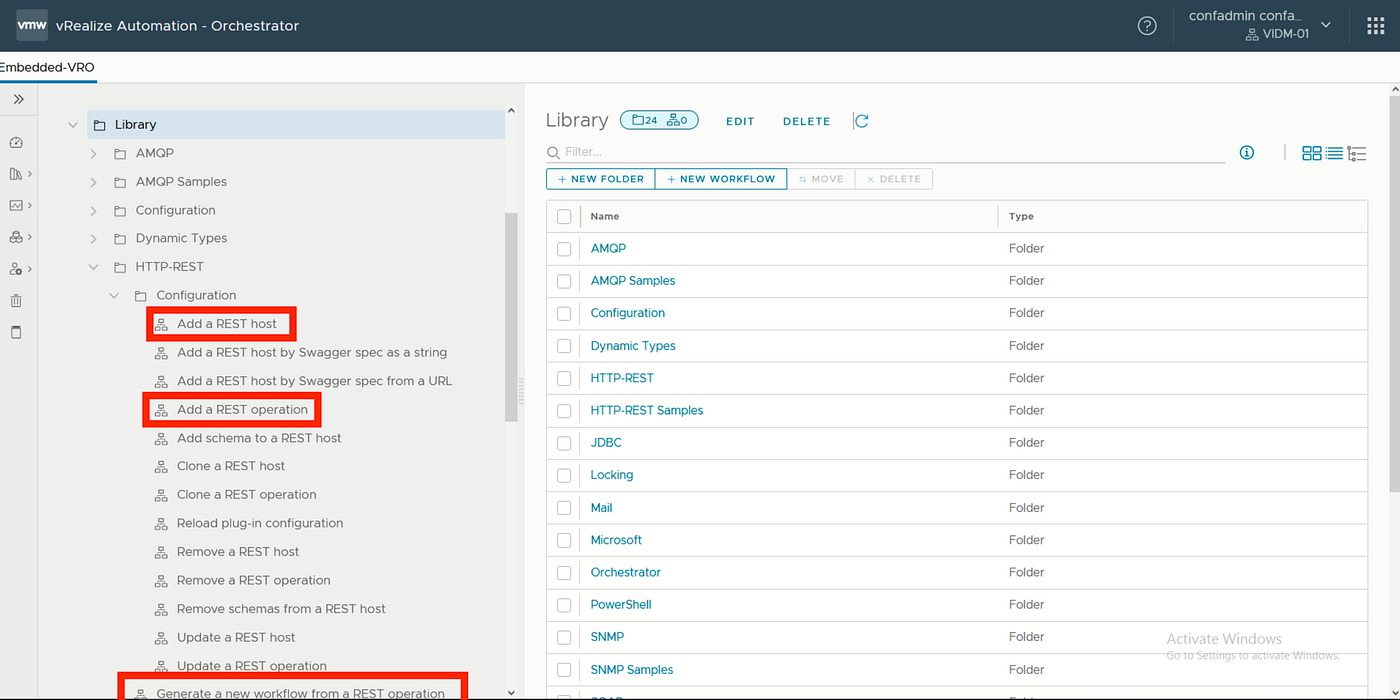
Step 1. We have to add a rest host
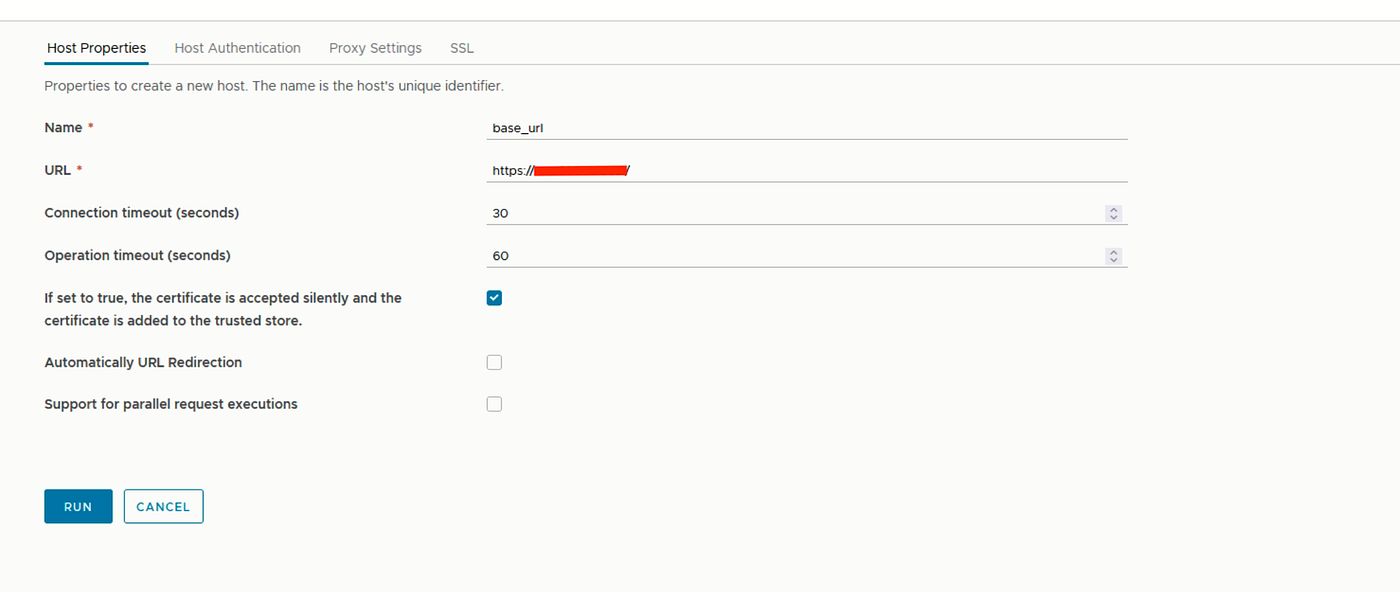
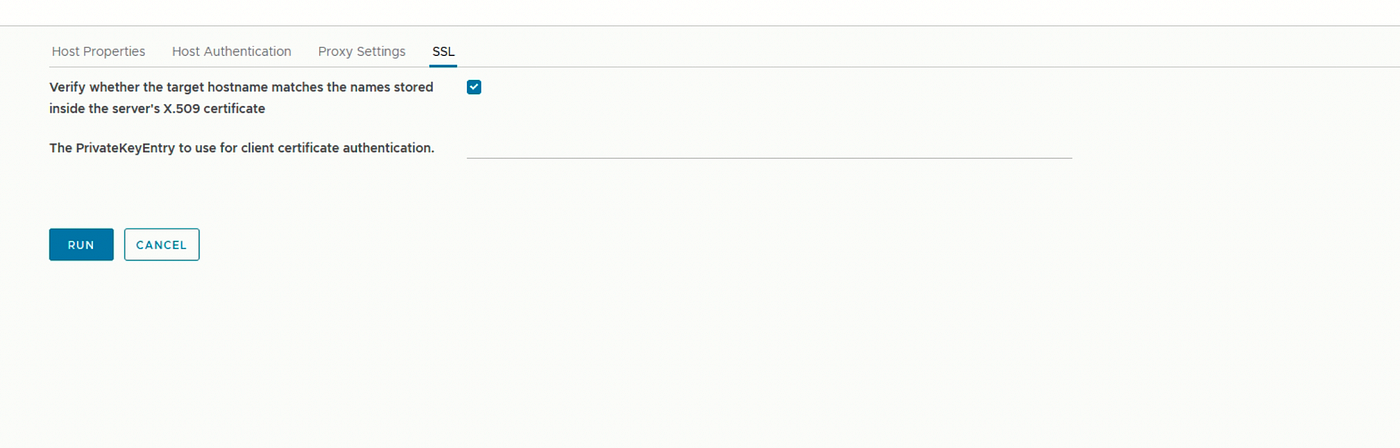
I created mine like this, but you can change the names.


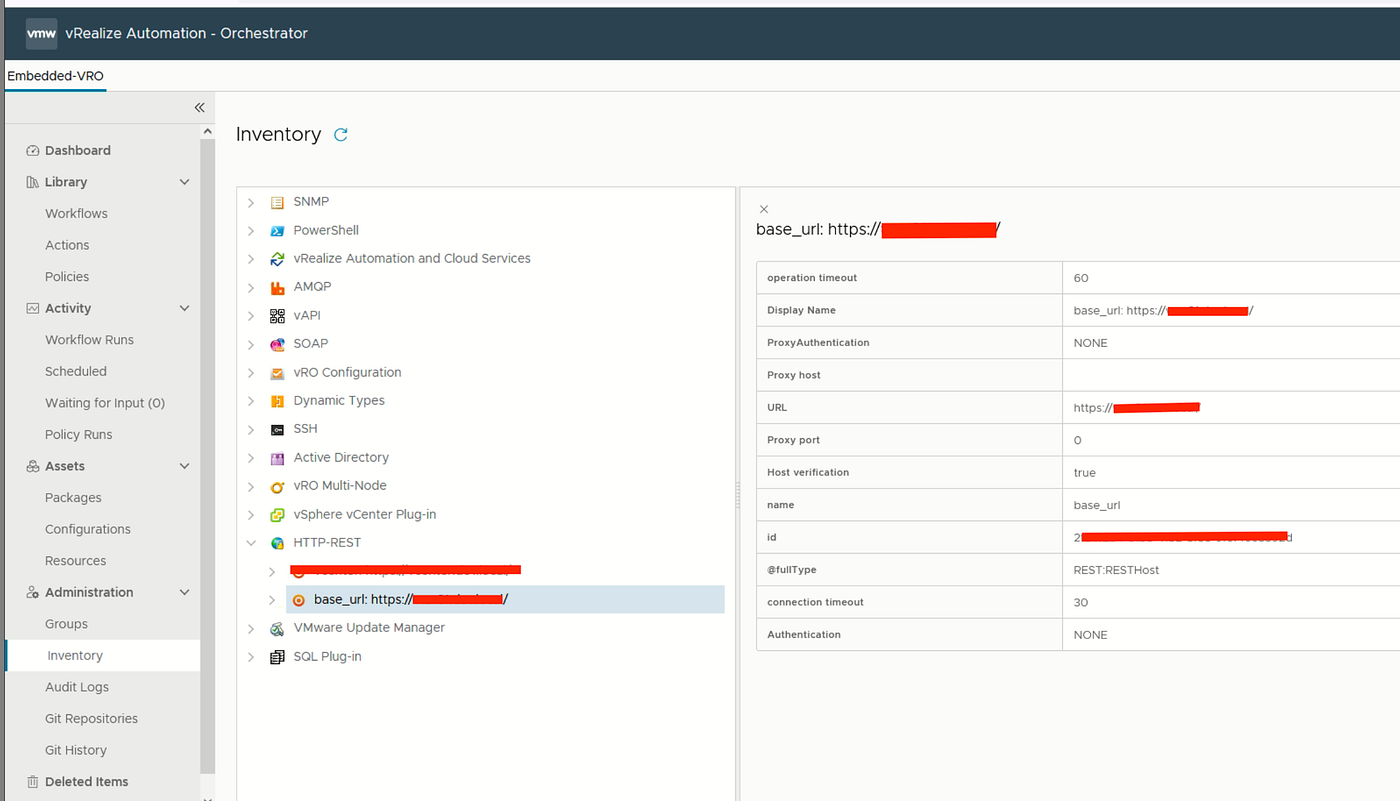
You can see that host from inventory when you successfully run this workflow.
Step 2. We have to add a rest operations
And then, you go to the Library again and successfully run the “add a rest operation” workflow.
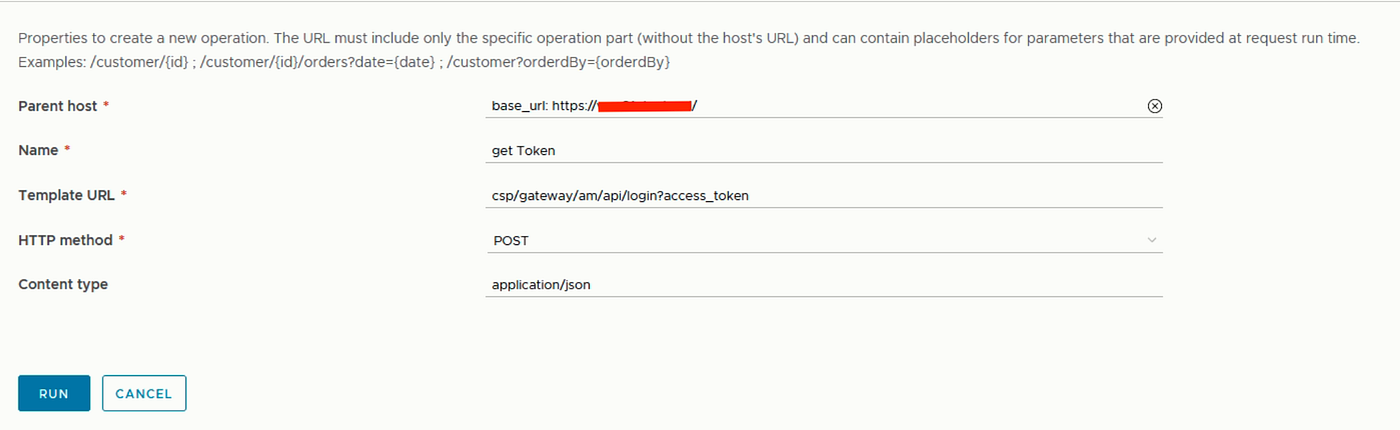
After this is successfully run, you will be able to see that operation from inventory right under your newly created host.

Step 3. We have to generate a new workflow from the rest operations
Now we have to generate that rest operation we create to a workflow. To do that, we go to the library again and run the “generate a new workflow from a rest operation” workflow like this:
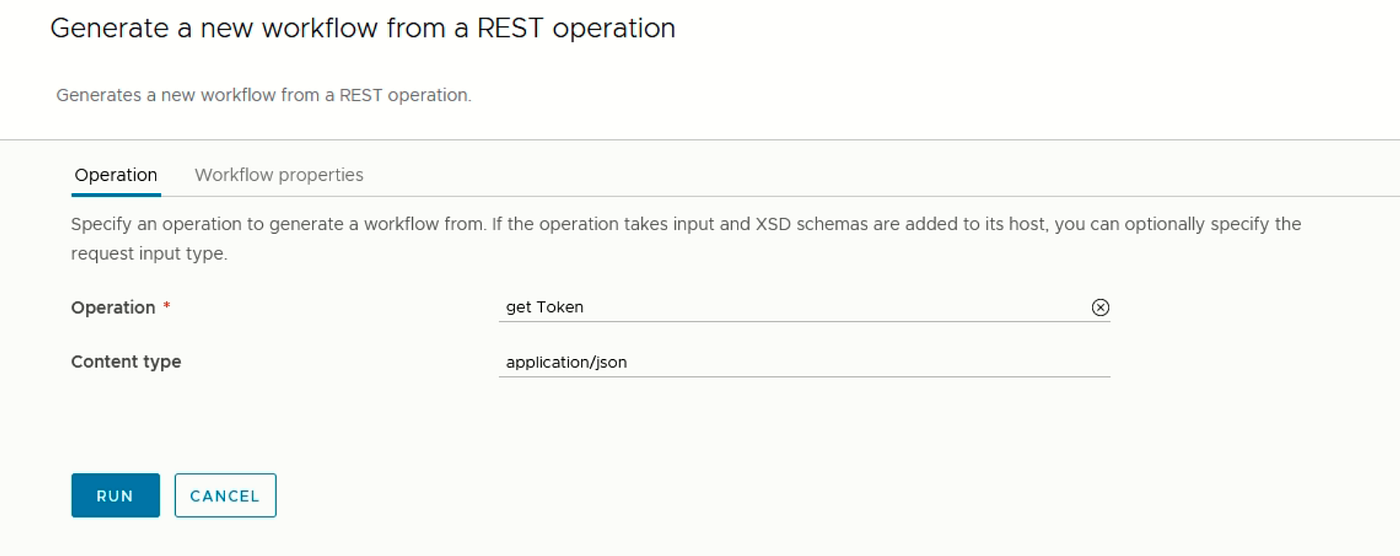
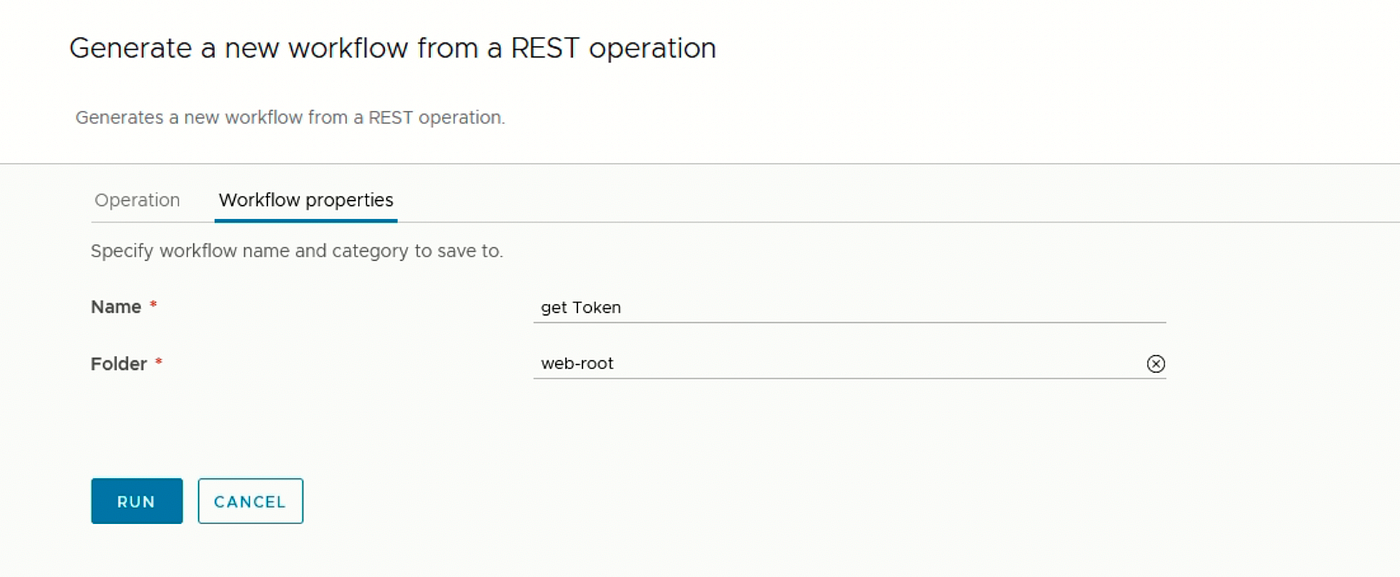
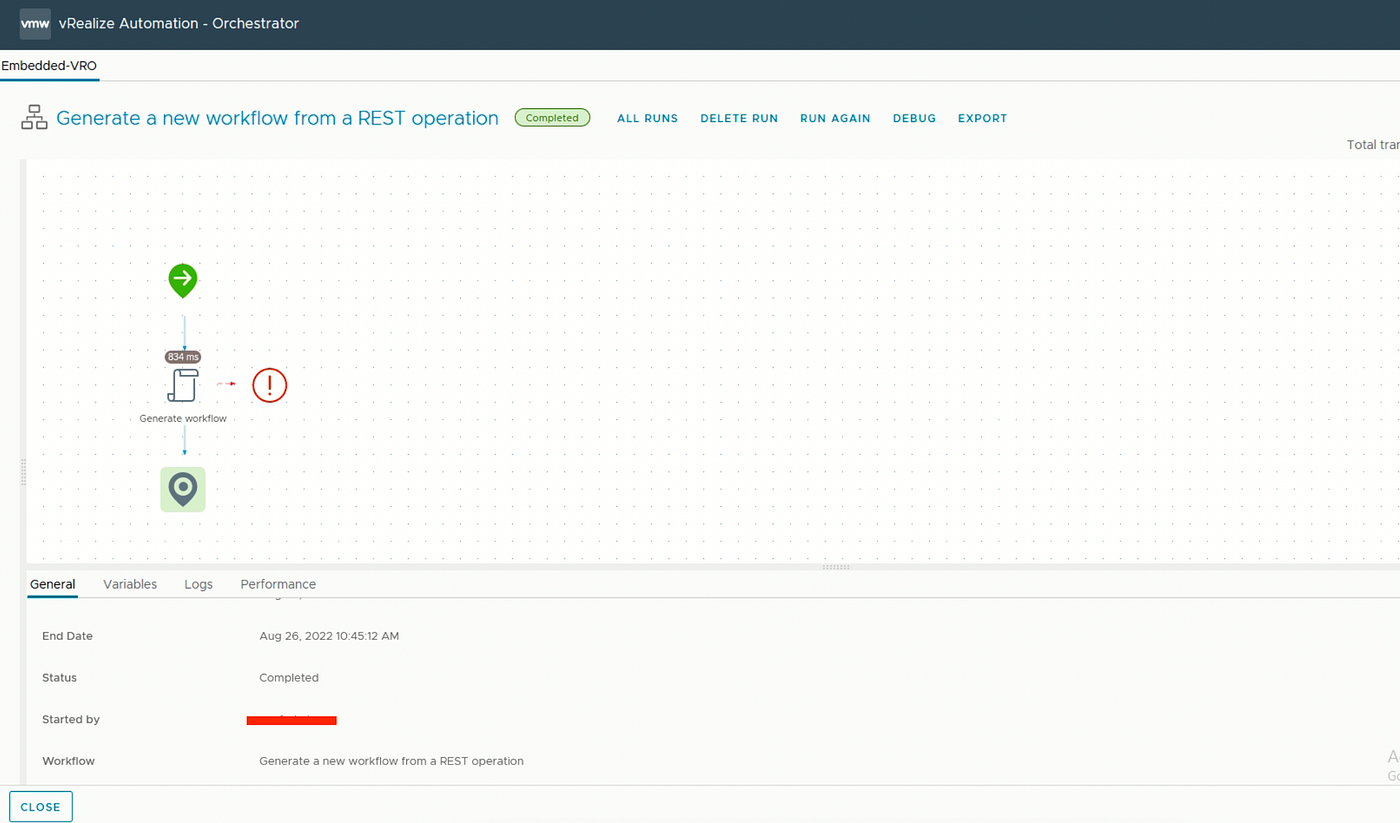
When you run this successfully, you will be able to see the get token workflow under your web-root folder.
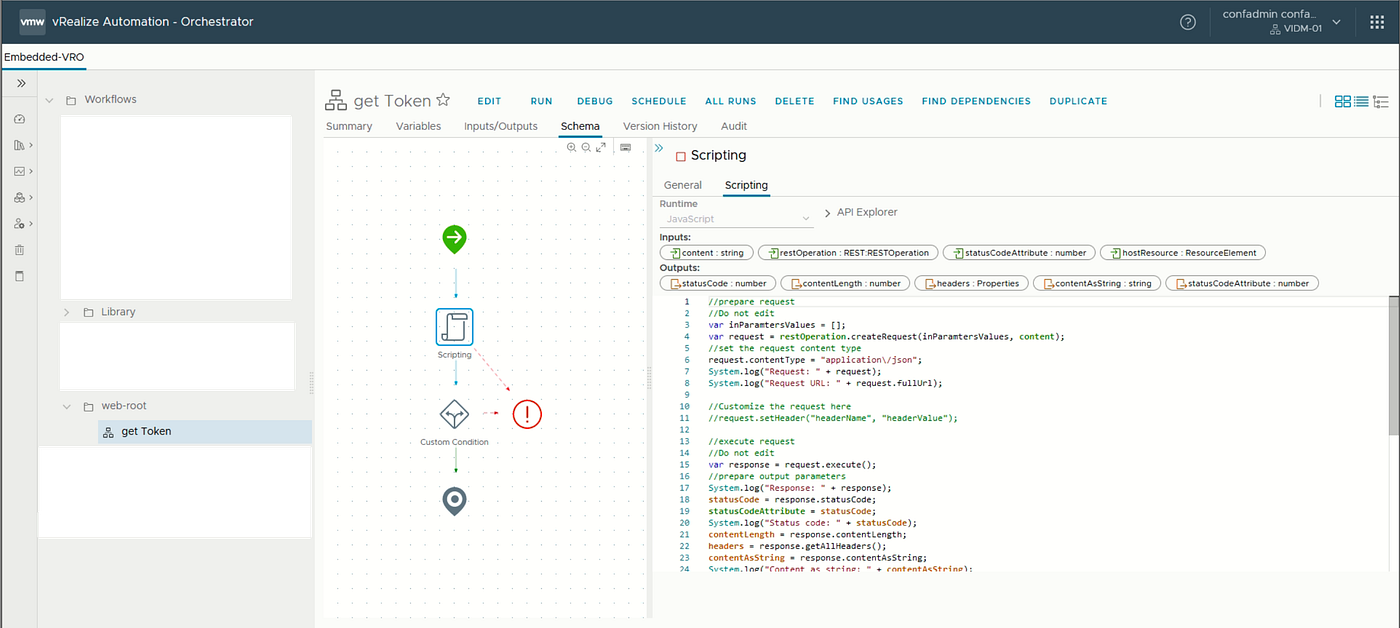
Here is the tricky thing. When you give your input like {“username”:“”,“password”: “”} this. Your username and password can be seen in the system logs. We don’t want that, so instead of using content like this.
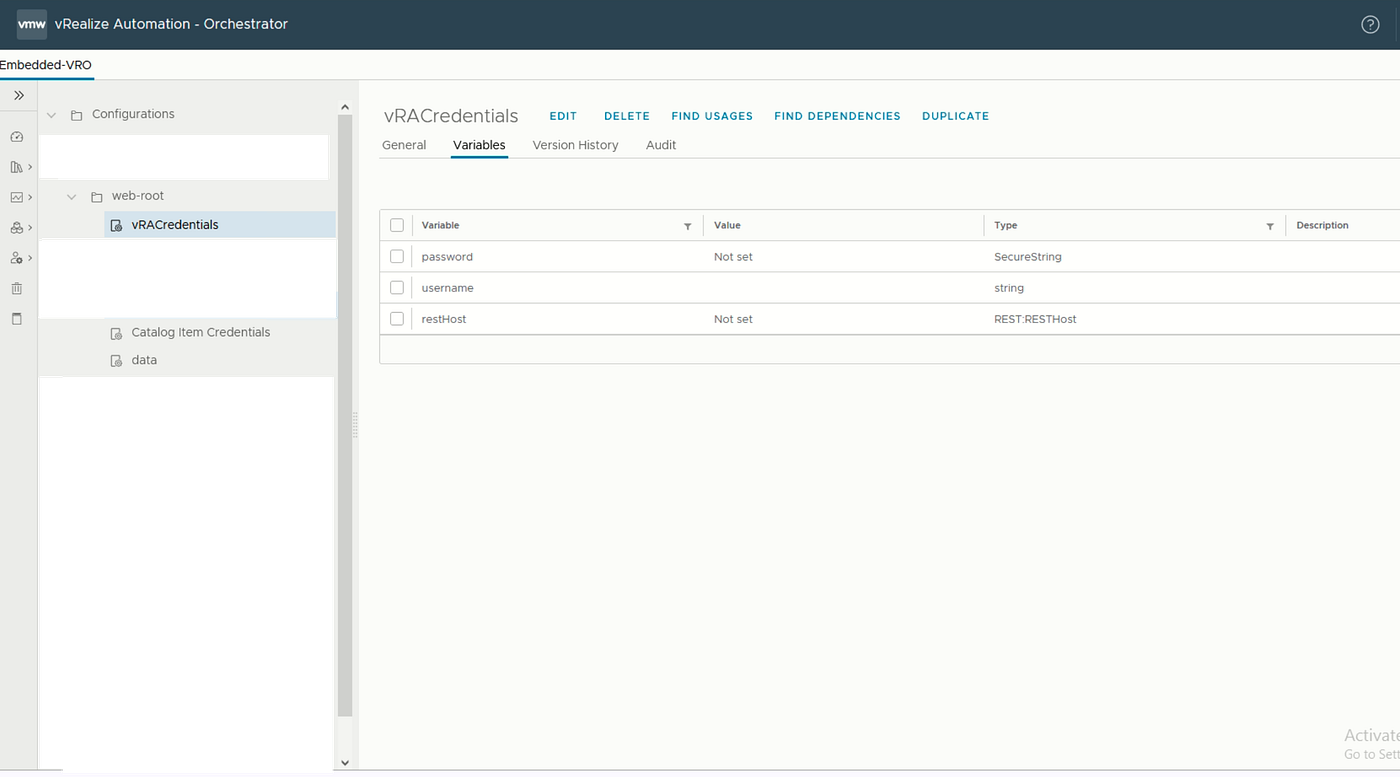
So we create a configuration element called vRACredentials. And create a username and password with the type of secure string.
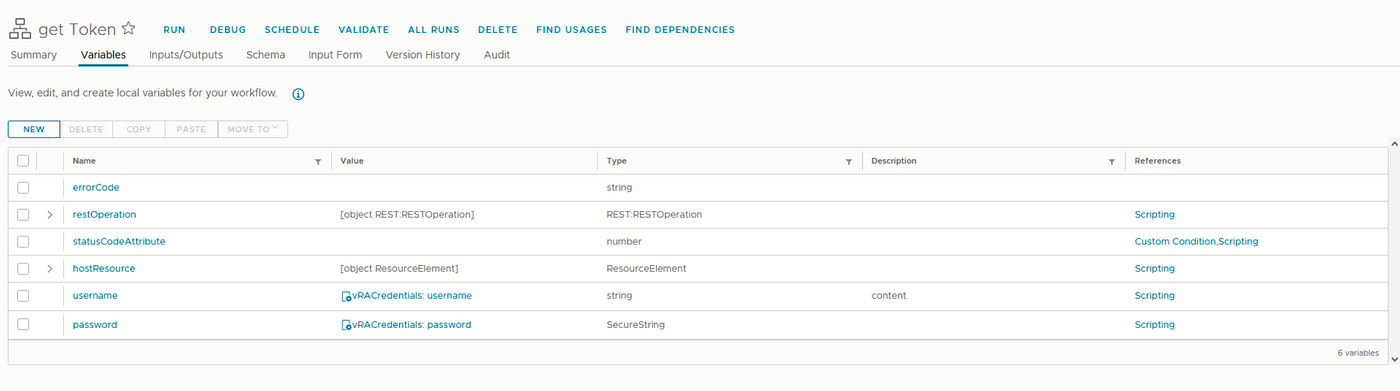
And then, we go to the get token workflow, create a username and password, and bind its value to configurations.
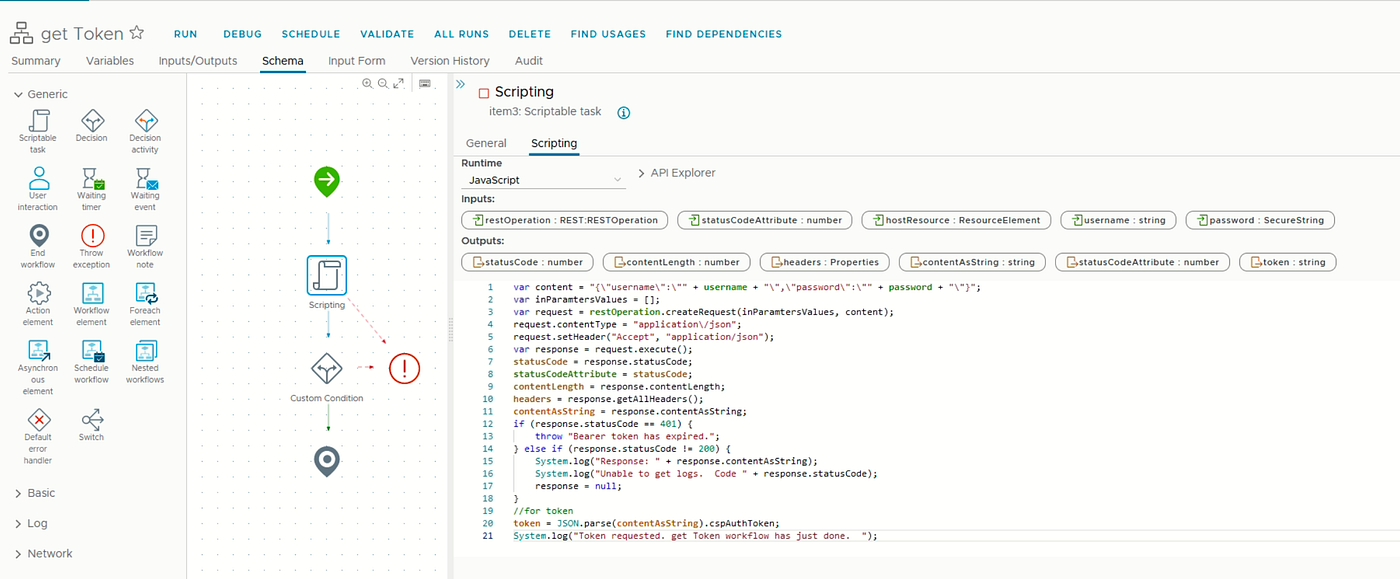
And use those variables like this:
Thank you for your time!!